01
One app instead of a plugin stack
Use native coaching, telemetry, overlays, haptics, motion, and pedal controls in a connected experience.
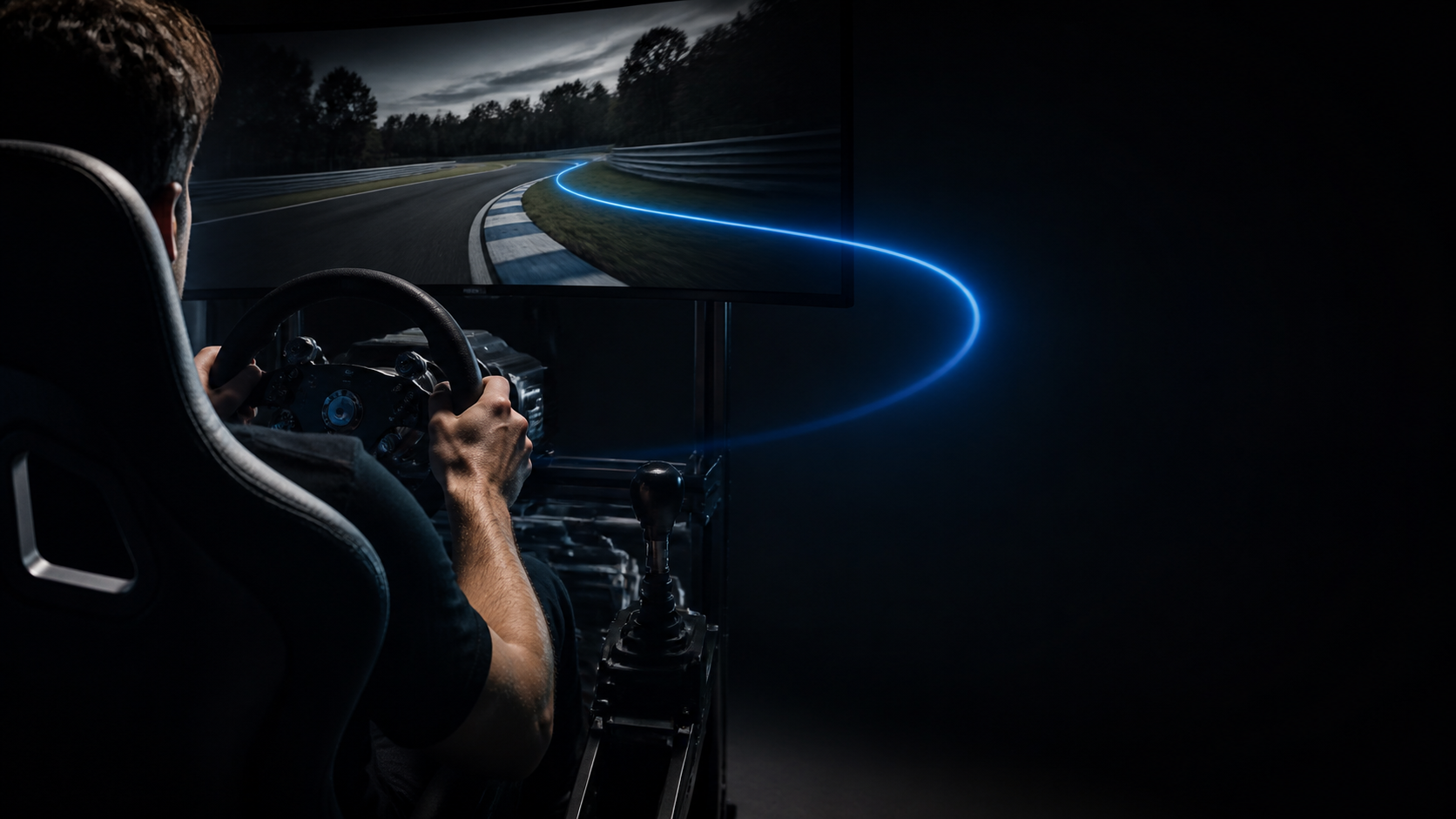
TrackPro vs SimHub
If you want one place for coaching, telemetry, pedal tuning, haptics, motion, competition, and community, TrackPro goes far beyond a plugin-driven dashboard tool.
Free for Windows · no signup to start · full coaching free for 30 days
Why drivers switch
Use native coaching, telemetry, overlays, haptics, motion, and pedal controls in a connected experience.
TrackPro interprets the lap and speaks to the driver instead of stopping at dashboards and device effects.
Race Pass, events, messaging, and community give the data a competitive reason to matter.
The feature that changes practice
Live coaching turns analysis from a post-session task into an improvement loop that happens while you drive.
Compare it on your own rig
TrackPro is free to download, so you can keep your current setup while you test a more connected way to practice.
Start with the free TrackPro core without dismantling the workflow you already know.
Compare the coaching, clarity, and rig experience inside a familiar session.
Use the full coaching trial and keep the system that creates the better feedback loop.
4.8
244 driver ratings
“The AI coaching alone has shaved 2 seconds off my lap times at Spa.”
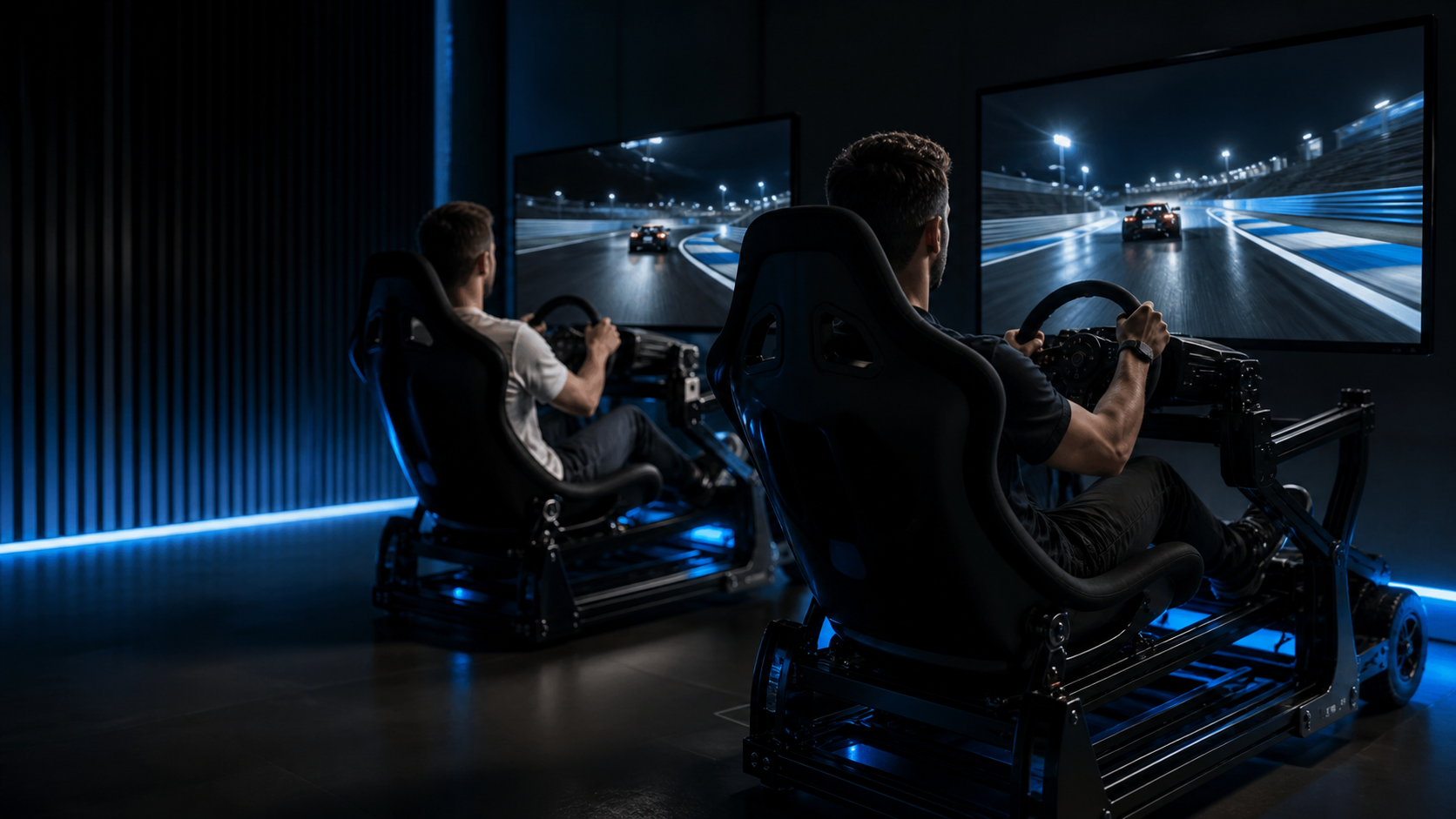
Put TrackPro beside SimHub for 30 days and judge both by what happens to your next sessions.
Windows 10/11 · one click · no signup to start